The European Accessibility Act & WCAG 2.2: A Practical Accessibility Plan for UK Businesses
Does the European Accessibility Act apply to your UK business? Get a plain-English verdict, a 90-day WCAG 2.2 fix plan and the SEO benefits of accessibility.

Accessibility advice usually comes in one of three forms. Legal briefings stop at the legislation. Widget vendors promise compliance from one line of code. Agency trend lists give it a single bullet point. None of these tells a UK business owner or marketing manager what they actually need to know: does this apply to me, and what do I fix first?
This guide answers both questions in plain English. We also explain why accessible websites tend to rank, load and convert better.
The Legal Picture in Two Layers
Layer 1: The UK Equality Act 2010 (applies now)
If you provide goods or services to the public in the UK, the Equality Act 2010 already expects you to make reasonable adjustments for disabled people. That duty covers your website. There is no single mandated technical standard for private businesses. In practice, though, WCAG 2.2 Level AA is the benchmark most people use to judge what "accessible" means.
Layer 2: The European Accessibility Act (if you sell into the EU)
The EAA has applied since June 2025. It covers certain products and services offered to consumers in EU member states. These include e-commerce, banking, transport booking and e-books. It isn't UK law. However, UK firms selling to EU consumers can fall within its scope, depending on how each member state enforces it. Some microenterprises may be exempt. If you're unsure, take specific legal advice.
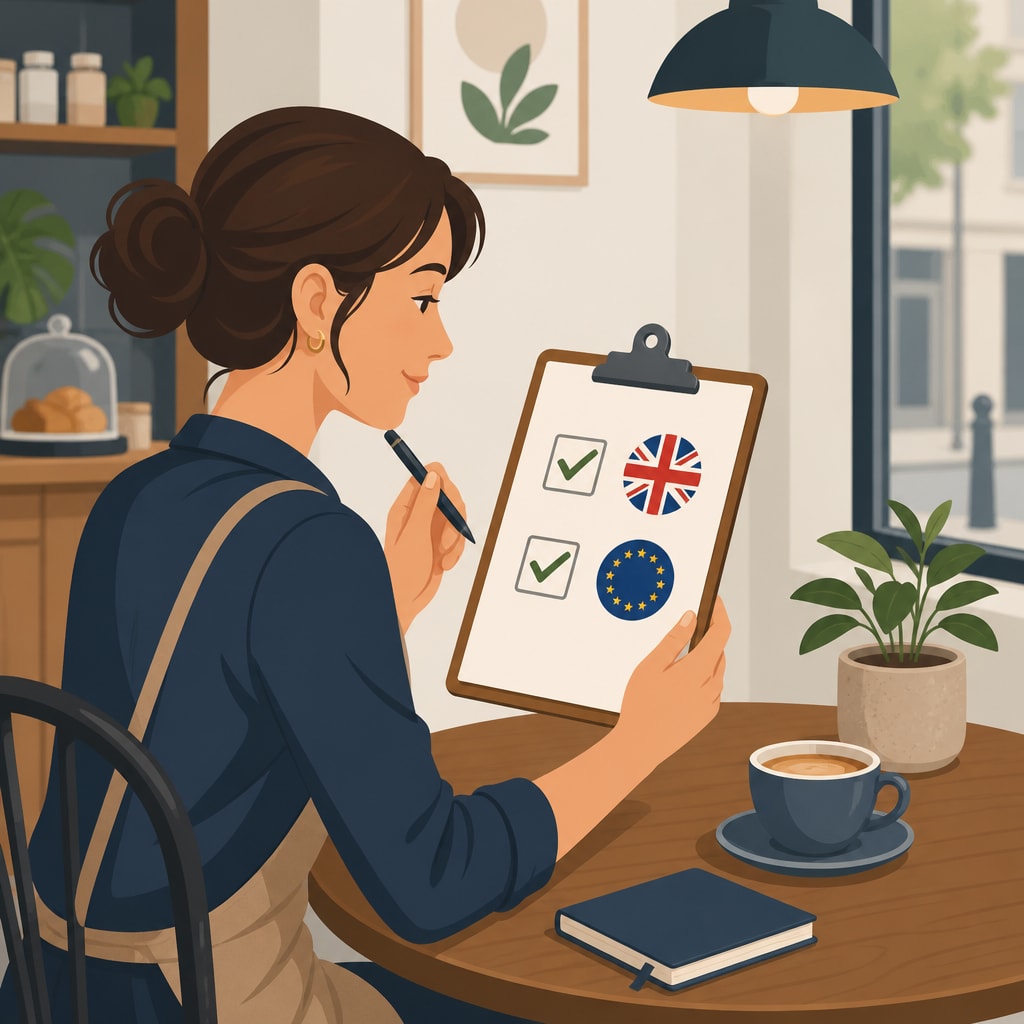
Does This Apply to You? A Quick Checklist
Answer yes or no to each question:
- Do UK customers use your website to find, book or buy from you?
- Do you sell products or services online to consumers in the EU?
- Does your site include checkout, booking, account login or online banking-style features?
- Do you publish e-books, PDFs or video that customers rely on?
- Are you larger than a microenterprise?
If you answered yes to the first question, accessibility already matters to you under UK law. If you answered yes to the second and third, treat the EAA as relevant and plan accordingly.
The Honest Truth About Accessibility Widgets
We built our own widget, Inclusense, so we'll be candid about what tools like it can and can't do.
What a good widget does well:
- Gives users preference tools such as text resizing, high contrast, text-to-speech and pausing animations
- Delivers quick wins straight away, with no redesign
- Shows customers a visible commitment to inclusion
What still needs code-level fixes:
- Poor semantic markup and illogical heading structure
- Checkout and booking flows that can't be completed by keyboard
- Inaccessible PDFs and uncaptioned video
- CAPTCHAs and login screens that block assistive technology
The most reliable approach combines the two. A widget improves the user experience from day one. A proper Web Usability & Site Audit finds the structural issues no overlay can reach.
Your 30/60/90-Day Remediation Plan
This plan is ranked by impact and effort, so the work that helps the most people with the least disruption comes first.
Days 1–30: Quick, High-Impact Wins
- Add meaningful alt text to informative images, and leave decorative images empty.
- Fix colour contrast on body text, buttons and links.
- Make sure every form field has a visible, programmatic label.
- Restore visible focus states that may have been styled away.
- Install a preference widget for immediate user benefit.
Days 31–60: Structure and Navigation
- Correct heading hierarchy, with one H1 and logical H2/H3 levels.
- Test the whole site by keyboard alone, including menus, modals and carousels.
- Caption videos and provide transcripts for audio.
- Write clear, descriptive error messages on forms.
Days 61–90: Critical Journeys and Documents
- Audit checkout, booking and enquiry flows end to end with a screen reader.
- Remediate the PDFs customers depend on, or replace them with HTML pages.
- Review authentication, which is covered below.
- Publish an accessibility statement and set up a feedback route.

Where IT and Security Meet Accessibility
Most web agencies don't look at this area. Because we also handle IT infrastructure and network security, we see where secure systems quietly lock people out.
- CAPTCHAs: Puzzle-based CAPTCHAs can exclude blind and low-vision users. Invisible or risk-based bot protection is usually kinder and just as effective.
- Multi-factor authentication: Keep MFA, but offer more than one method, such as an authenticator app, SMS or a security key. Avoid short timeouts and allow codes to be pasted.
- Contact options: Not everyone can use a web form. Accessible click-to-call through a well-configured VoIP system gives customers another route to reach you, with sensible call routing behind it.
Accessibility works best when it's part of your infrastructure and security decisions, not added as an afterthought.
Accessibility Is Also an SEO and Conversion Strategy
Many accessibility fixes are also good SEO practice:
- Semantic HTML and headings help search engines understand your content.
- Alt text gives image search useful context.
- Lighter, cleaner code often improves page speed and Core Web Vitals.
- Clear forms and keyboard-friendly flows tend to reduce abandonment for everyone, not just disabled users.
- Better mobile usability follows naturally from larger tap targets, readable text and logical layouts.
The result is a site that reaches more customers and serves them better, which is the whole point of having one. Our Search Engine Optimisation team treats accessibility as part of technical SEO, not a separate task.
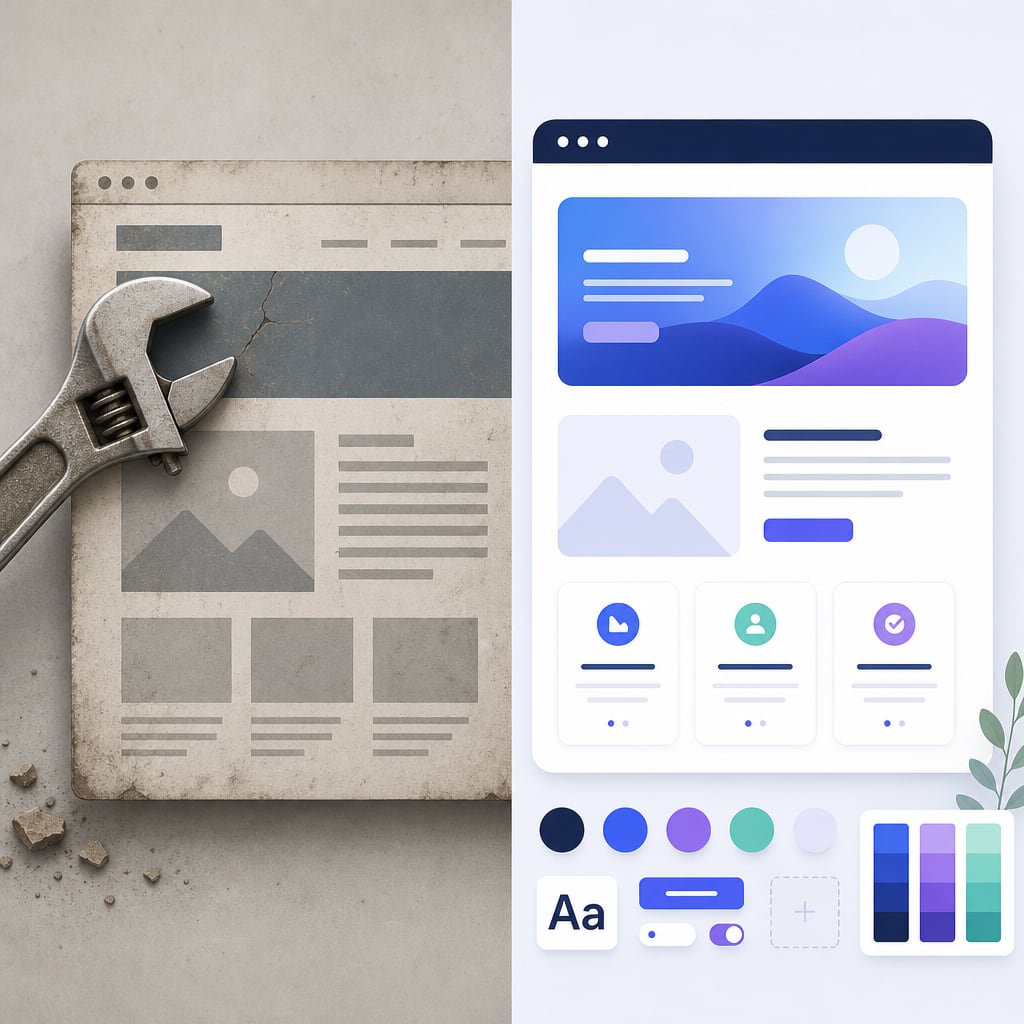
Redesign or Retrofit?
If your site is fairly modern and built on a maintainable CMS, retrofitting is usually the faster and cheaper route.
Consider a rebuild if:
- your theme or page builder produces messy markup;
- you're already planning a refresh; or
- your brand colours fail contrast checks across the board.
In that case, rebuilding on an accessible design system through our Website Design and Development and Brand Development services can prevent the same problems from coming back.
FAQ
Does the European Accessibility Act apply to UK businesses?
It can, if you offer covered products or services to consumers in the EU. UK-only businesses are mainly governed by the Equality Act 2010.
Is an accessibility overlay enough for compliance?
Not on its own. Widgets improve the user experience, but structural issues need code-level fixes.
What is WCAG 2.2 Level AA?
It is the widely used international standard for web accessibility. It covers areas such as contrast, keyboard use, focus visibility and forms.
Does accessibility help SEO?
Yes. Semantic structure, alt text and faster pages support both accessibility and search visibility.
Get Your Free Accessibility Snapshot
Not sure where your site stands? Ask CTXperts for a free accessibility snapshot. We'll highlight your biggest barriers and quickest wins, and tell you whether a retrofit or a rebuild makes more sense for your business.